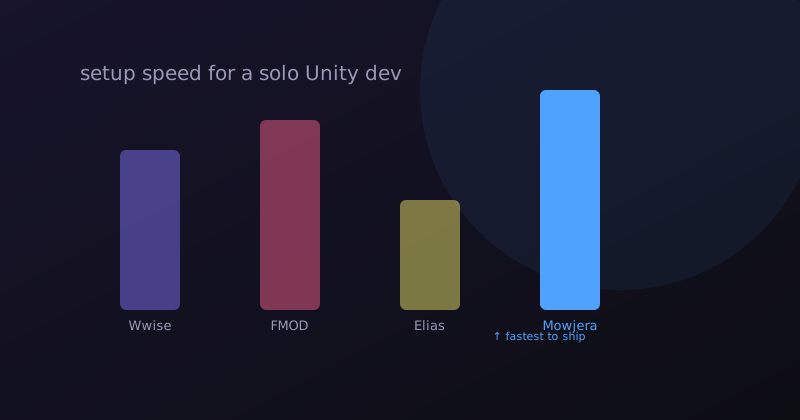
Every Unity project eventually asks the same question: do we need audio middleware, or does Unity's built-in AudioSource/AudioMixer system cover it? And if we do need middleware, which one? This comparison covers the four realistic options for a project needing adaptive music specifically.
The four options
1. Unity's native audio system
Unity ships with AudioSource, AudioMixer, and snapshots — genuinely capable for basic needs, and zero additional integration cost since it's already there. What it doesn't give you: any built-in concept of "game states" or automatic crossfading. You'd hand-write the state machine and fade logic yourself in C#.
Best for: teams comfortable writing their own lightweight audio state machine, or projects with very simple needs (one or two music tracks total).
2. Wwise
The deepest feature set: RTPC parameter blending, a visual event/mixing editor, and a free tier that covers most indie budgets. Requires installing the Wwise application, learning its project model, and integrating its Unity SDK.
Best for: teams with dedicated audio implementation time, or games needing continuous (not just discrete-state) audio parameter blending.
3. FMOD
Similar depth to Wwise with a reputation for a friendlier learning curve and UI. Same tradeoff shape: real integration work, real capability payoff.
Best for: teams that want Wwise-level power with a gentler onboarding curve, and don't mind the SDK integration step.
4. Browser-based composers (e.g. Mowjera)
Narrower scope — adaptive music specifically, not a general audio engine — but the integration is a generated C# script you drop into Assets/Scripts/, with no SDK, no sound bank pipeline, and no application to install.
Best for: teams whose actual need is "state-based adaptive music," especially solo devs and small teams who want it working today rather than after an integration sprint.
Side-by-side
| Unity native | Wwise | FMOD | Browser export | |
|---|---|---|---|---|
| Setup time | None (built-in) | Days | Days | Minutes |
| Handles SFX + mixing | Yes (manual) | Yes | Yes | No (music only) |
| Adaptive state crossfades | Hand-coded | Built-in | Built-in | Built-in |
| Continuous parameter blending | Hand-coded | Built-in | Built-in | Not built-in |
| External application required | No | Yes | Yes | No |
| Licensing cost at scale | None | Tiered | Tiered | None |
A decision path
- Do you need continuous parameter blending (intensity scaling smoothly, not just discrete states)? → Wwise or FMOD.
- Do you need a unified pipeline for SFX + music + mixing? → Wwise or FMOD.
- Is your actual need "named-state adaptive music, working fast"? → A browser-based export, or hand-coded on Unity native if you're comfortable writing the state machine yourself.
- Do you have zero budget for integration time before a deadline? → Browser-based export — it's the only option here measured in minutes, not days.
The mistake to avoid
The most common misstep is choosing Wwise or FMOD for a project that only ever needed named-state crossfades, then spending days on SDK integration for capability the game never uses. Match the tool to what your game's music actually needs to do — not to what sounds most "professional" on paper. A generated C# script that does exactly what you need is a better engineering decision than an underused general-purpose engine.
Export an adaptive score straight into a Unity project and compare the actual integration time against your current middleware setup — fifteen minutes will tell you more than any comparison chart.